Record
Keep a brief note of the current feature and color choices. A tiny table or screenshot is easier to compare than memory alone.
THE CHARACTER PUZZLE / THINK IN CLUES
In Purble Shop, build a character guess, submit it, and use the feedback to narrow the next one. This page opens a separate Purble Shop community project rather than sending you through the full town. The guide focuses on the color and feature clues visible in this remake, while identifying where its behavior still needs checking.
The embedded Scratch project is by DipsyNugget and is independent from the original Microsoft game. In our current browser check its difficulty menu loaded, but selecting a level did not yet advance reliably. The direct project link remains available below the player.
01 / FOCUSED PLAYER
Press Play to request the independent Purble Shop project. Its observed opening menu offers Beginner through Impossible, with a displayed progression from three accessories and colors to nine. Choose the smallest puzzle first if the project responds. Because the current test reached the menu but did not reliably advance after a level click, treat the player as a live third-party source and use its original link if the embedded control is stuck.
Open the fan-made deduction game and choose a difficulty.
Loading the Shop project…
If a level does not start, the issue may be in the creator’s project. A visible menu alone does not prove a playable round, so this page does not promise that every level works today.
In a separate check, the full-town remake opened the right-hand Shop building, entered Beginner, and let us select a character feature. Open the full-town player, press Play, choose the right building, then pick Beginner. Its rules and available features differ from the focused project, and a complete round has not yet been verified.
02 / THE TASK
Purble Shop is a deduction puzzle about a hidden character. The Purble Shop screen presents a set of visual features, and a guess combines a choice for each available feature. After a guess, the game reports how many colors and features are right. The useful question is not just “Did I win?” but “Which parts of this guess can I keep, and which should I change?”
In Purble Shop, think of the character as several positions to fill, rather than one complete face you either know or do not. An accessory can be of the right type while its color is wrong, or the color can be useful even when the feature is in the wrong position. Purble Shop makes those distinctions matter. The screenshot at the start of this remake has separate labels for “Right Colors Right Features” and “Right Colors Wrong Features.” Read them as two categories of feedback rather than one total score.
Before pressing a guess button in Purble Shop, take a moment to notice which feature or color you are testing. If you change every part of the character at once, the next feedback will be difficult to interpret. Early guesses can be broad, but later guesses should use what you already learned.
03 / READ THE REPORT
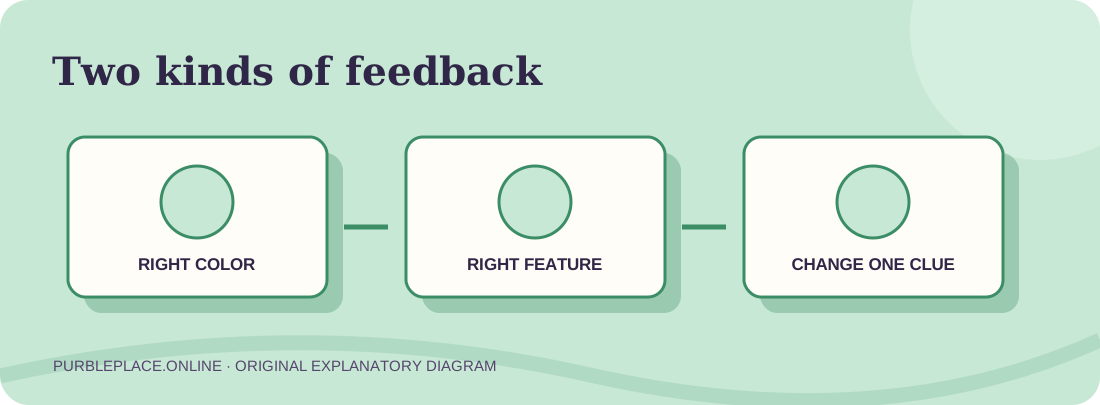
The example screen in the Purble Shop project shows a green count for right colors with right features, and a red count for right colors with wrong features. The first suggests a color and feature are already aligned. The second suggests a correct color is present but belongs with a different feature. These labels are visible in the fan project’s opening art; the exact scoring behavior during a real round still needs an end-to-end check.
In Purble Shop, do not treat a wrong-feature color as worthless. It may be a color to move rather than remove. Likewise, a right-feature count is a reason to preserve part of a guess while changing something else. Purble Shop rewards comparing successive reports. If the next report improves after one change, you have learned something about that change. If it becomes worse, consider returning to the prior arrangement.
Keep a brief note of the current feature and color choices. A tiny table or screenshot is easier to compare than memory alone.
Change a small, intentional part of the next guess. That makes a different feedback count easier to explain.
Compare the new report with the old one, then keep what the evidence supports and revise what it does not.
04 / A SIMPLE NOTEPAD
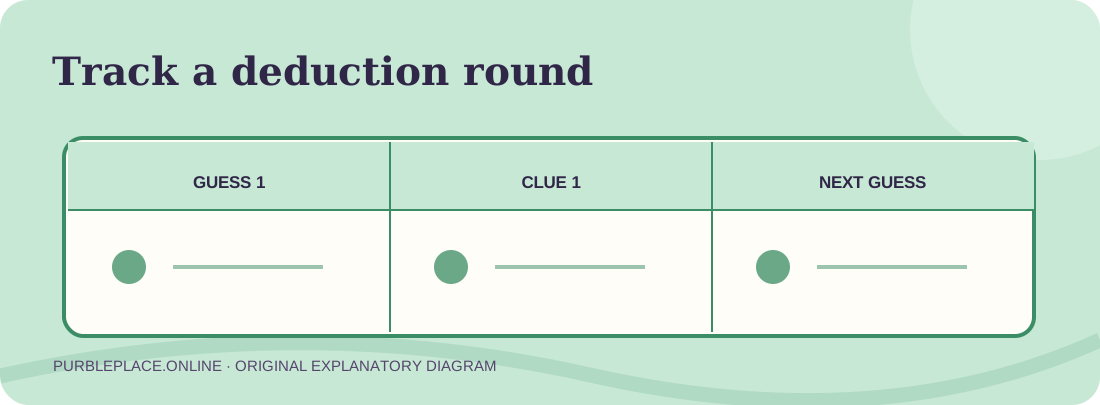
For a Purble Shop round, a short row for each attempt can prevent going in circles. Write the chosen feature and color in each available position, then write the two feedback numbers beside it. If a changed guess gives more exact matches, mark what you changed. If the feedback stays the same, several arrangements may still be possible; avoid declaring one feature confirmed without enough evidence.
On a small screen, you can keep the table on paper or in a separate note. The game itself is inside a third-party iframe, so this site does not read or save your secret solution. A local note is also useful if the browser session reloads. Purble Shop can become a more complex logic exercise at the higher visible difficulty choices, where more accessories and colors create more possibilities.
One practical Purble Shop rule is to stop before every new guess and state what it is testing: “I am moving this color,” or “I am changing only this feature.” A guess that tests one idea tells you more than a random combination, even when it is not correct.
05 / DIFFICULTY CHOICES
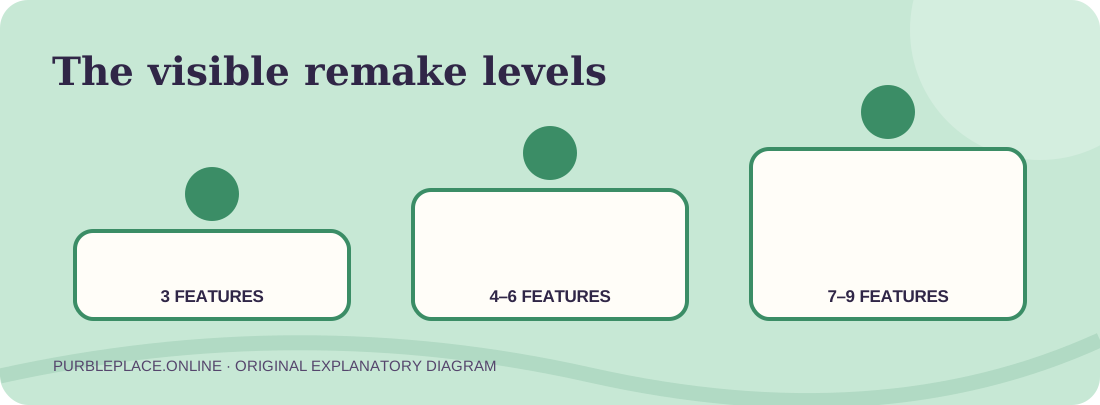
The visible Purble Shop menu in the Scratch recreation lists Beginner at three accessories and three colors, Intermediate at four and four, Advanced at five and five, Expert at six and six, Extreme at seven and seven, Crazy at eight and eight, and Impossible at nine and nine. These are menu labels, not a measured claim that all seven rounds work. Start with the first level to learn what the feedback does before adding many alternatives.
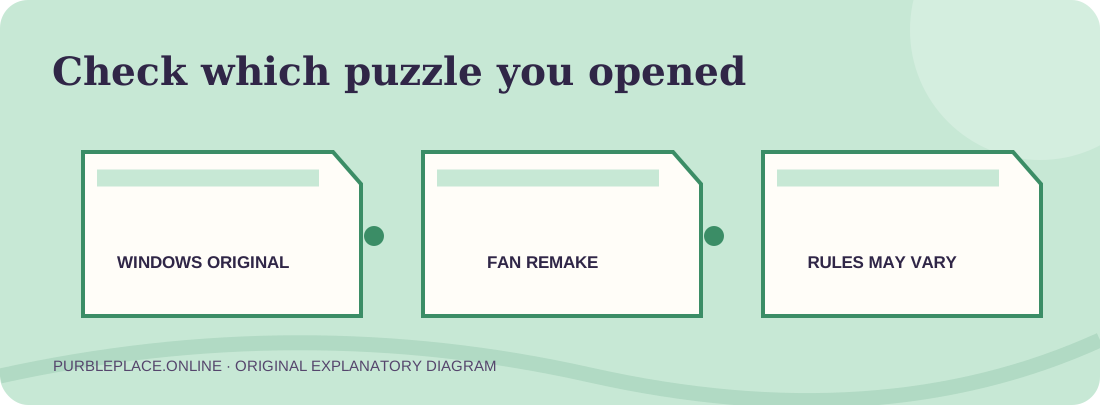
If you come from a Windows-era guide, you may see fewer or differently named levels. That is a version difference, not proof that your browser has the wrong game. Purble Shop on this site is a community project whose author controls its menu and rules. Compare the actual game display with this guide and use the original project link if the embedded copy acts differently.
06 / VERSIONS & OTHER GAMES
The original Windows collection included Purble Shop alongside Comfy Cakes and Purble Pairs. This page embeds a separate Scratch fan recreation of the character puzzle. An app-store product with “original” in its title is not automatically that Microsoft-era Windows program. In fact, one current Android listing found for this topic describes only a cake game and a card game. Use the publisher, platform, and stated modes when comparing results.
If you want a verified beginner board now, Purble Pairs loaded into its memory game during this site’s check. The cake page opened directly to a bakery project. The three-game starting guide can help you choose a task, and the original-version page explains why these browser projects should be identified as remakes.
07 / QUESTIONS
The Purble Shop idea is to identify the hidden character by testing combinations of visible features and colors. Read the game’s feedback after each guess and use it to narrow later attempts.
This Purble Shop page offers the creator’s browser project in an embedded player. It requires an internet connection, and the current test has not confirmed that its difficulty menu consistently opens a full round. The original Scratch and direct TurboWarp links are below the player.
The Purble Shop project’s visible sample labels distinguish right colors with right features from right colors with wrong features. Use the first as evidence to preserve an arrangement and the second as a clue that a color may need to move.
The Scratch remake shows seven levels, from Beginner through Impossible, each listing more accessories and colors. An old Windows guide may describe a different selection, so use the names shown in the version you opened.
No. The original Windows title and this DipsyNugget Scratch project are different software. This page names the source and links the creator’s project so visitors can see what is being embedded.