Look
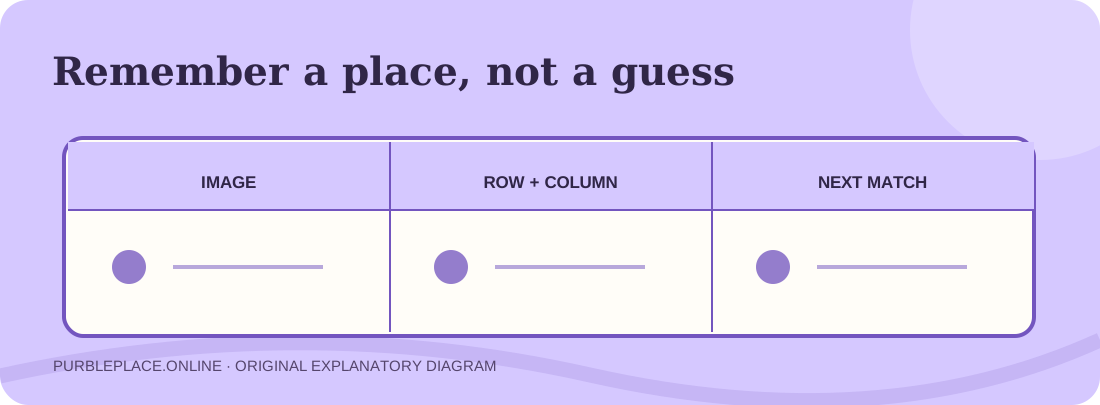
Name the first picture and where it appeared. “Blue sock, top left” is easier to reuse than a vague memory of blue.
THE SCHOOLHOUSE / MEMORY GAME
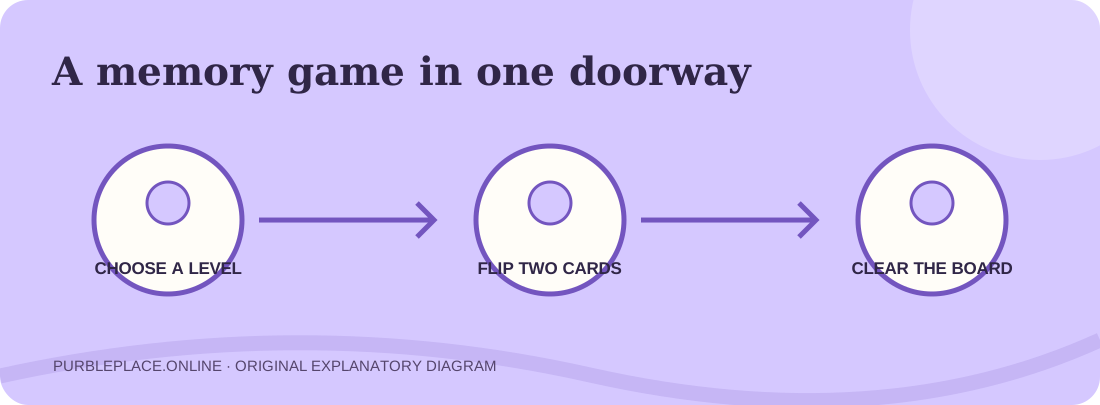
Open a fan-made version of the card-matching game straight from this page. Choose a difficulty, turn over two cards, and remember the pictures you reveal. The Purble Pairs player below is a focused Scratch recreation, so you do not need to enter the full Purble Place town first.
This is DipsyNugget’s community project shown through TurboWarp, not the original Microsoft Windows application. The rules and board sizes below describe the version observed here.
01 / PLAY HERE
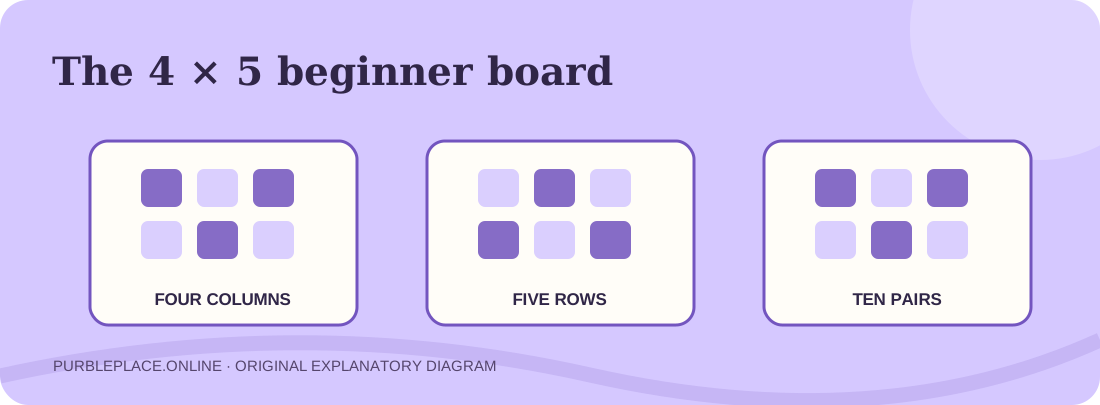
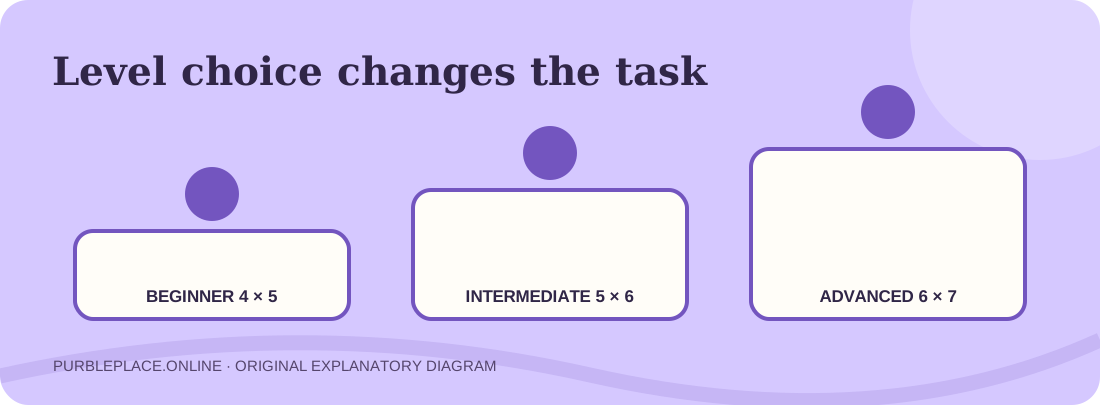
Press Play to load the independent Purble Pairs project. When its art appears, click the green flag inside the player if needed. This remake begins with a level choice. The beginner option showed a 4 × 5 grid with no timer in our desktop check; intermediate and advanced were labeled 5 × 6 and 6 × 7, both with a timer. Those labels belong to this project and may change if its creator updates it.
Load the memory game when you are ready to choose a level.
Loading the memory project…
The game assets load from a third party. If the frame remains blank, try the new-tab link. Restarting the green flag starts a new session rather than preserving a previous board.
02 / THE SIMPLE RULE
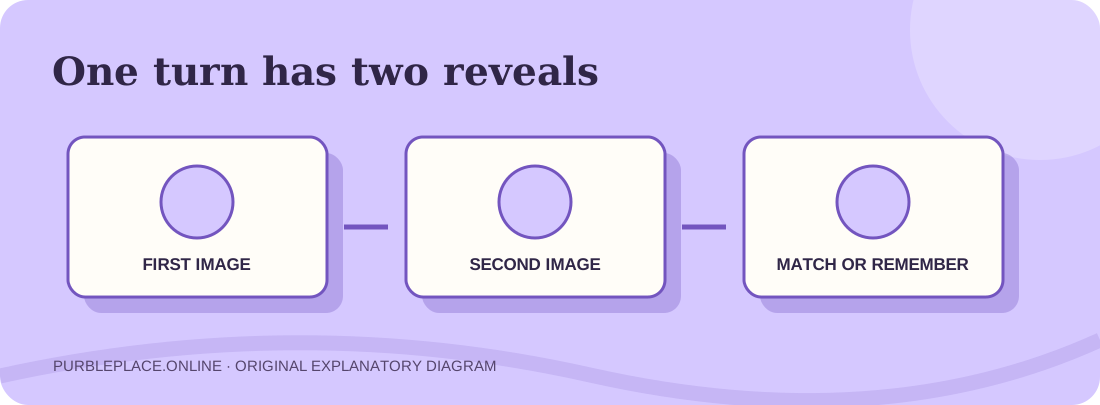
In Purble Pairs, your immediate task is to turn over two tiles and look for the same picture. A Purble Pairs match gives you a pair. When the pictures differ, remember both positions for a later turn. Continue until the board is clear. That sounds easy, but guessing repeatedly wastes the information each reveal gives you.
Before the first click, notice the row and column layout. On the observed beginner board, there are four columns and five rows, which means twenty hidden tiles and ten possible pairs. The screen may show a tutorial panel on top of the board for a moment; wait until it finishes or dismiss it before you start. In Purble Pairs, a picture can be easy to remember while its position is not, so give each place a simple mental address such as “top row, second tile.”
The Purble Pairs board uses identical backs for every card in this remake. You cannot identify a pair by the back design. Tap or click one tile, look at its picture, then choose another. If the second picture matches, watch whether the cards remain revealed. If it differs, keep both positions in mind even after the tiles turn face down.
03 / MAKE EACH TURN COUNT
Use the opening turns of Purble Pairs to collect locations rather than search randomly for a lucky match. Reveal two separate cards. If they differ, say or note both image-and-position pairs. On the next turn, reveal a new card. If its picture is one you already saw, use the known position for the second reveal. If it is unfamiliar, reveal one more unknown card and add two locations to your memory.
In Purble Pairs, a matched pair removes uncertainty from the board. A mismatch still improves your map, provided you remember where both pictures appeared. Avoid flipping the same known mismatched cards again without a reason. When there are only a few hidden tiles left, pause and reconstruct the remaining pairs before clicking. This approach works whether you play the original memory idea or the current Purble Pairs remake, without relying on a special button or scoring trick.
Name the first picture and where it appeared. “Blue sock, top left” is easier to reuse than a vague memory of blue.
Flip a second tile. If it matches, keep track of the cleared space; if it does not, remember its own location.
When a familiar picture returns, go to the known partner instead of exploring another unknown tile.
04 / A MEMORY METHOD
Purble Pairs becomes much more manageable when you map each reveal to a place. You can use row-and-column language, or divide the grid into upper-left, upper-right, lower-left and lower-right areas. The exact method matters less than using the same method every turn. A mental phrase such as “green hat, row three, column two” carries both the identity and location.
In Purble Pairs, if several tiles use similar colors, focus on their shape or object rather than color alone. If you play with someone nearby, take turns saying what was revealed and where. The practice makes a mismatch useful instead of frustrating. The page cannot inspect the hidden arrangement inside the iframe, so the map is yours to build. You can restart Purble Pairs with the project’s flag, but a new board may not repeat the same layout.
05 / DIFFICULTY
The observed Purble Pairs remake lists Beginner as a 4 × 5 board without a timer, Intermediate as 5 × 6 with a timer, and Advanced as 6 × 7 with a timer. Those are the visible choices in this Scratch project, not a claim about every historical release. If you are learning where cards go, Beginner gives you room to practice the basic two-card rhythm without racing a clock.
Moving to a larger board increases the number of places you must remember. In Purble Pairs, a timer adds a second task: keeping track of locations while deciding quickly. If you begin to click the same unknown places repeatedly, step back down a level and practice a consistent location method. Purble Pairs is a memory exercise; choosing the lower difficulty for a clean round is more useful than losing track of the board on a higher setting.
06 / VERSIONS & NEXT STEP
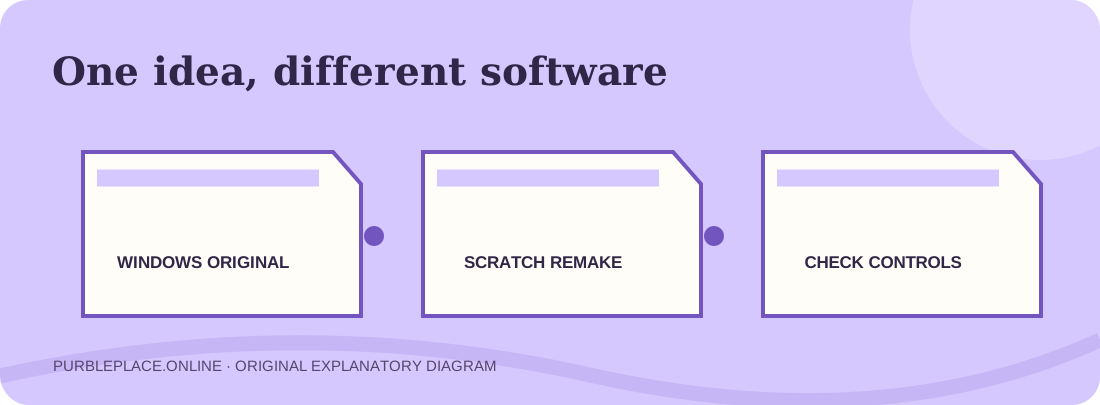
The Windows collection included a game called Purble Pairs. This page runs a separate community recreation through Scratch and TurboWarp. It carries the familiar card-matching idea, but art, timer behavior, special tiles, scoring, and even board size can differ. A guide written for the old Windows copy may refer to controls absent from this project. Use the rules you can see in the current player first.
Want a different task after this board? The cake game asks you to match a bakery order, while Purble Shop is a character deduction puzzle. The three-game starter guide explains how to choose between them. If you are looking for the old Windows software rather than a browser remake, read the original-version comparison before using a download result.
07 / QUESTIONS
The embedded Purble Pairs fan project is available in the browser without an installer or account on this site. It needs an internet connection to load the creator’s project assets. Availability can change at the third-party source.
Clear the board by revealing matching images in pairs. In the observed remake, choose a level first, then click two cards at a time. If they do not match, remember both locations for a later turn.
This is a community Scratch recreation, not the original Windows program. The project displayed a 4 × 5 beginner board during our check; old guides may describe different sizes or features.
Yes. Use the home game selector for the full fan-made town, or open the separate Comfy Cakes page and Purble Shop page.
Wait for the game art and sounds, then try the project’s green flag. If the frame remains stuck, open the TurboWarp player using the link directly under it. The game’s external source, not this page, supplies the project files.